






Now let’s create the serious end of the water tower, the water tank itself with the hidden sprinkler. Using OnShape, I will be invoking the revolve command, like I used to create the base. However, the sprinkler makes this a little more intricate.
Water tank
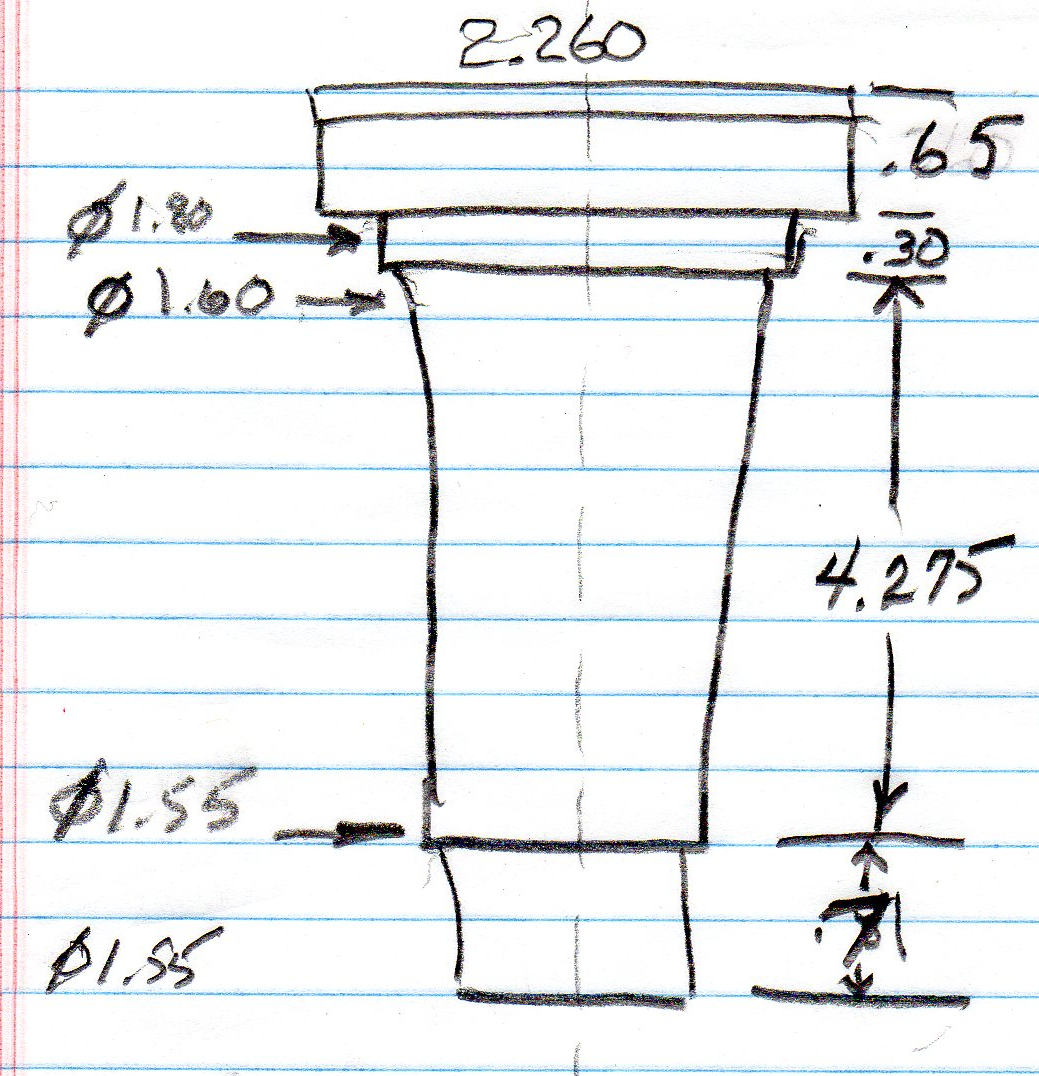
Here is the sketch that I made of the Rainbird model 1804-LN sprinkler head (photo 1). In the drawing I am going to add 0.10” to the diameter to make sure it fits.
Also shown is the sectional view of the water tank. Measurements are all in millimeters.
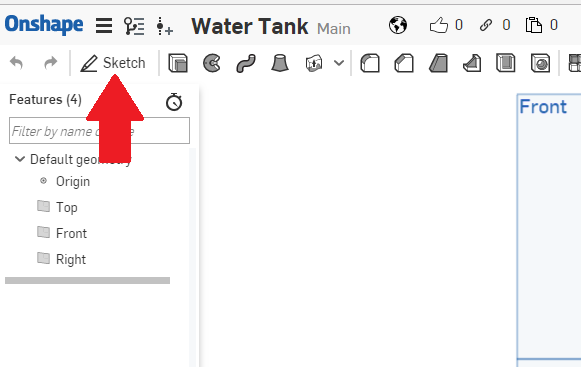
For those of you who might have forgotten, the first thing we want to do is create a sketch. Do that by left clicking on the “Sketch” icon, as shown by the red arrow (photo 2).
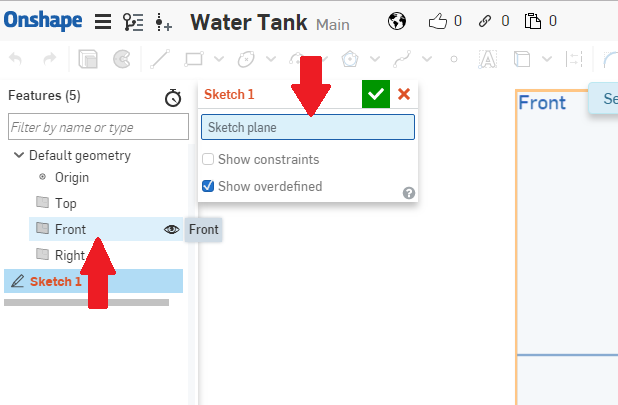
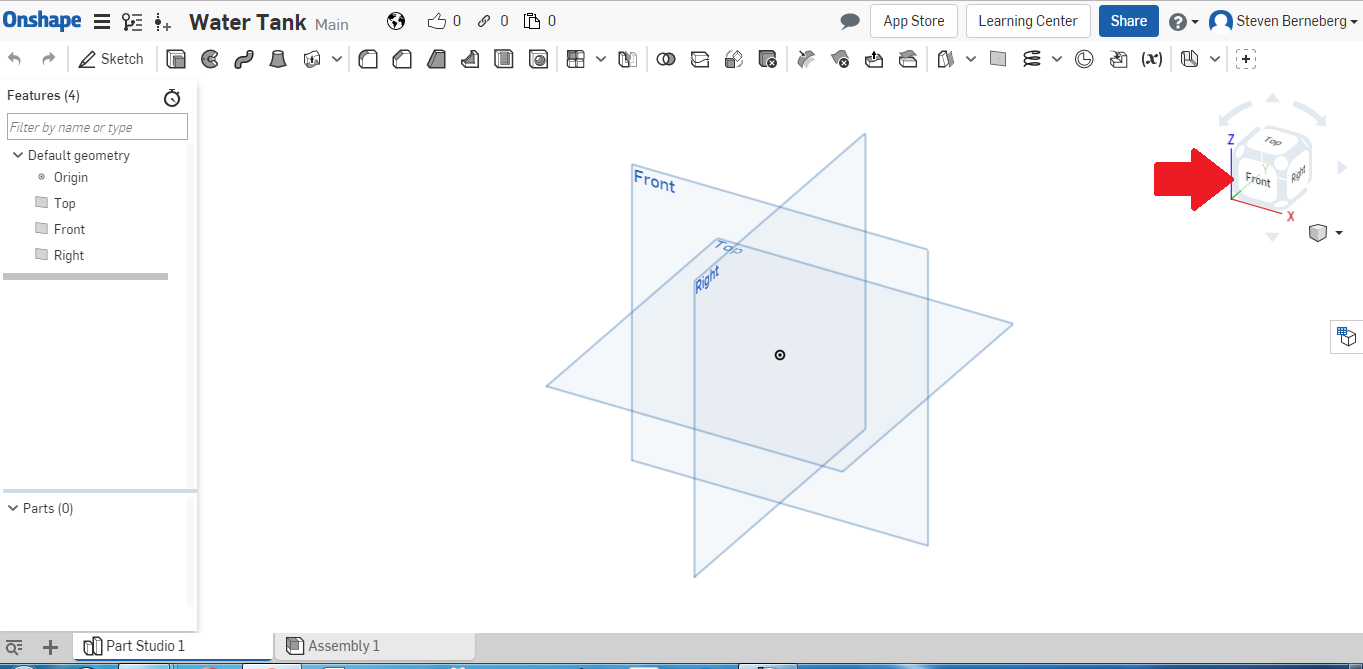
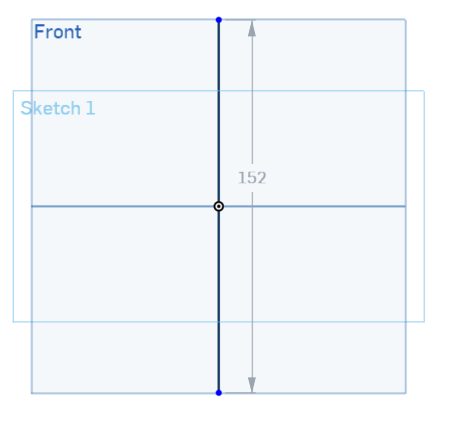
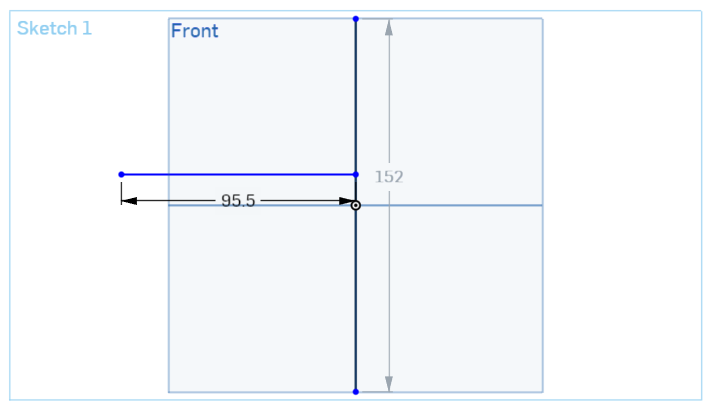
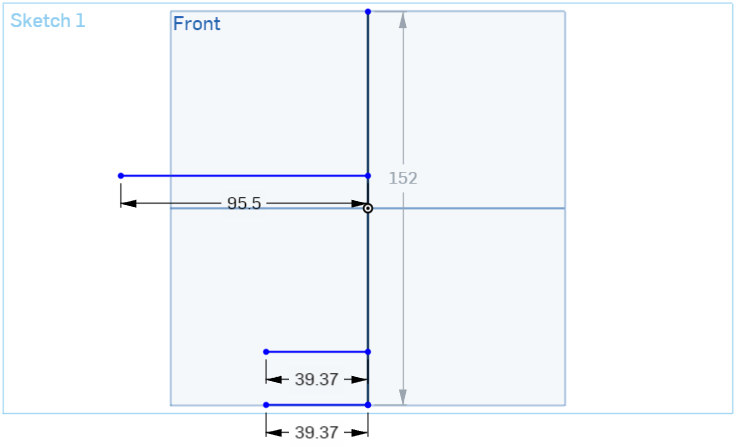
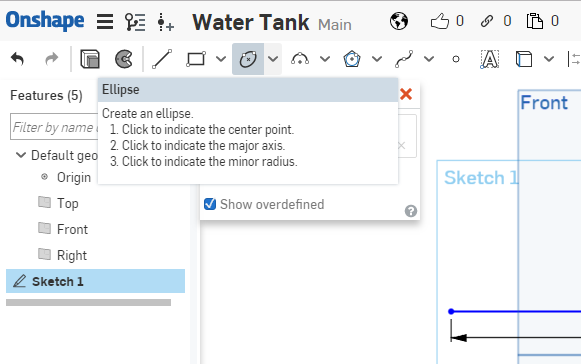
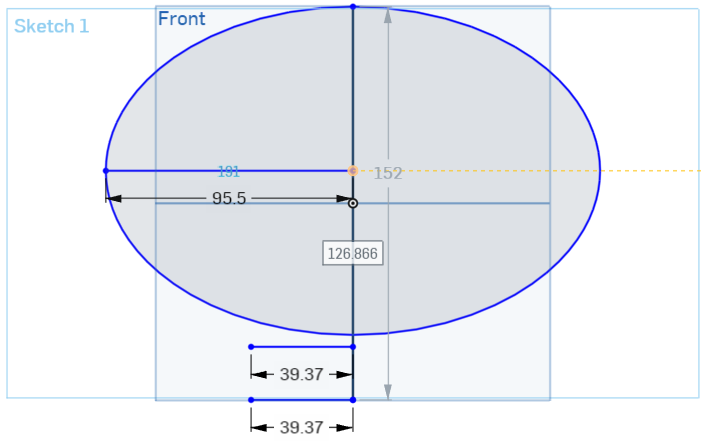
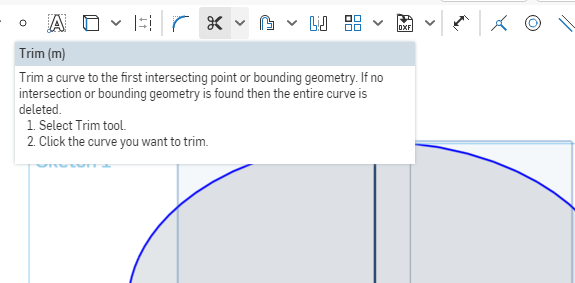
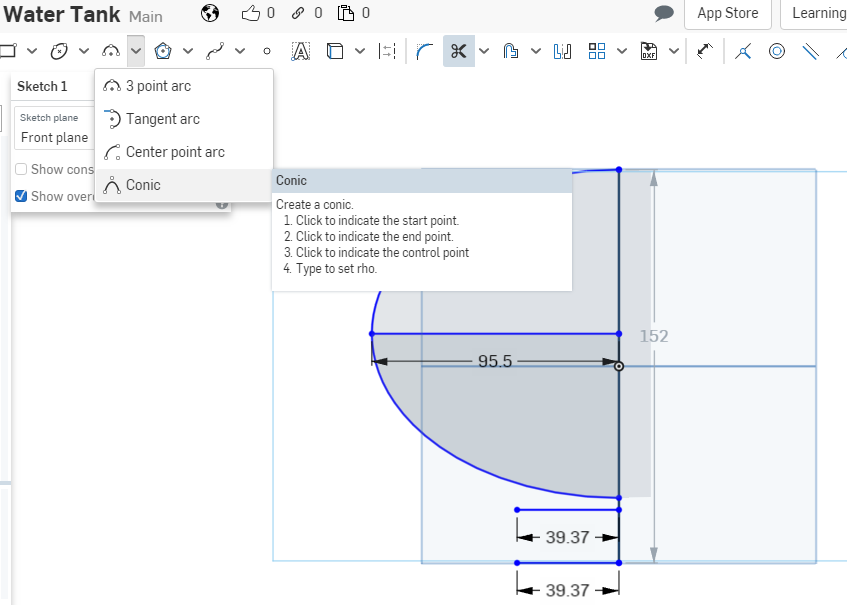
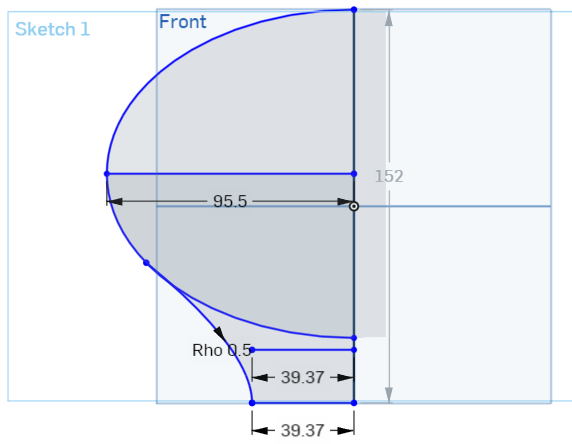
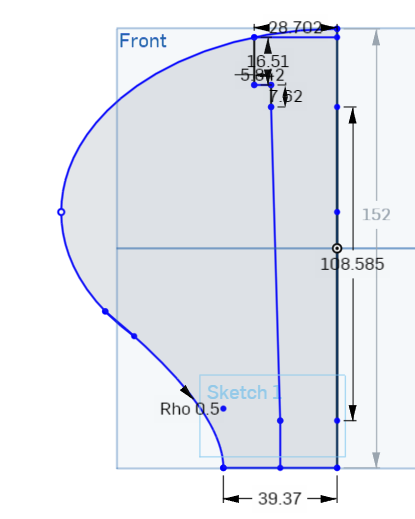
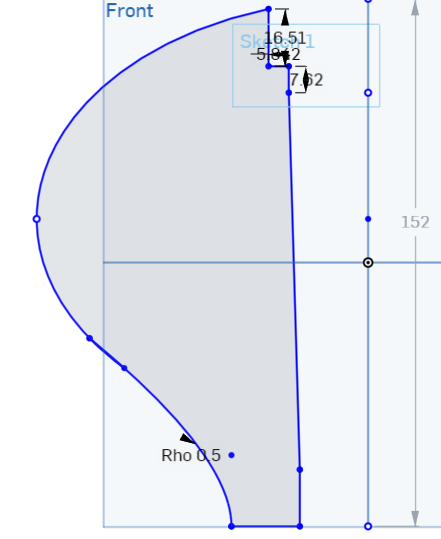
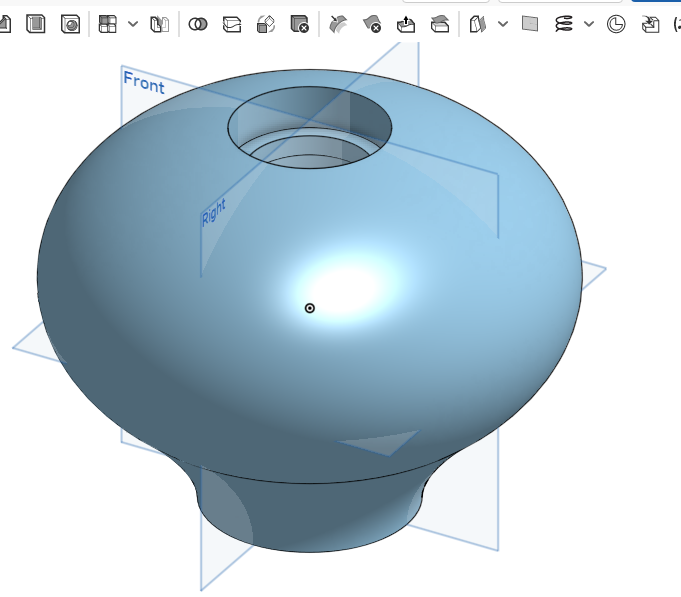
It is just as easy as that. Don’t kid yourself, though. In this entire process I made mistakes that I had to correct, referring to the Internet several times to find out what was wrong, and I even had to refer a software bug to OnShape. So, it is not that easy. The whole process took me about four hours to do. I can do it faster now, but I had lots of practice while drawing the model.
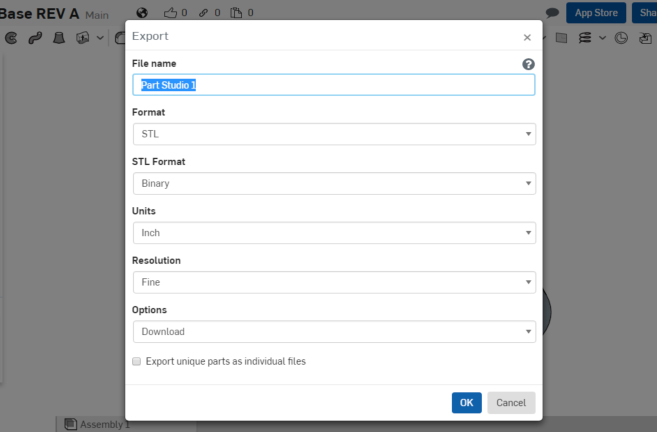
To create the stl file, I am going to just repeat from last time. Now that we have the part, we want to export an *.stl file so the printer can print it out. At the bottom of the window you will see a tab called “Part Studio 1”. Right-click on the tab and you should get the following as shown in Photo 16.
Left-click on “Export” on the pull-down list and the following should appear:
I typed in “Water Tank” as the file name. Make sure all other pull-down boxes are as shown. When you left click on “OK”, the stl file should download to your download folder. You can retrieve it from there.
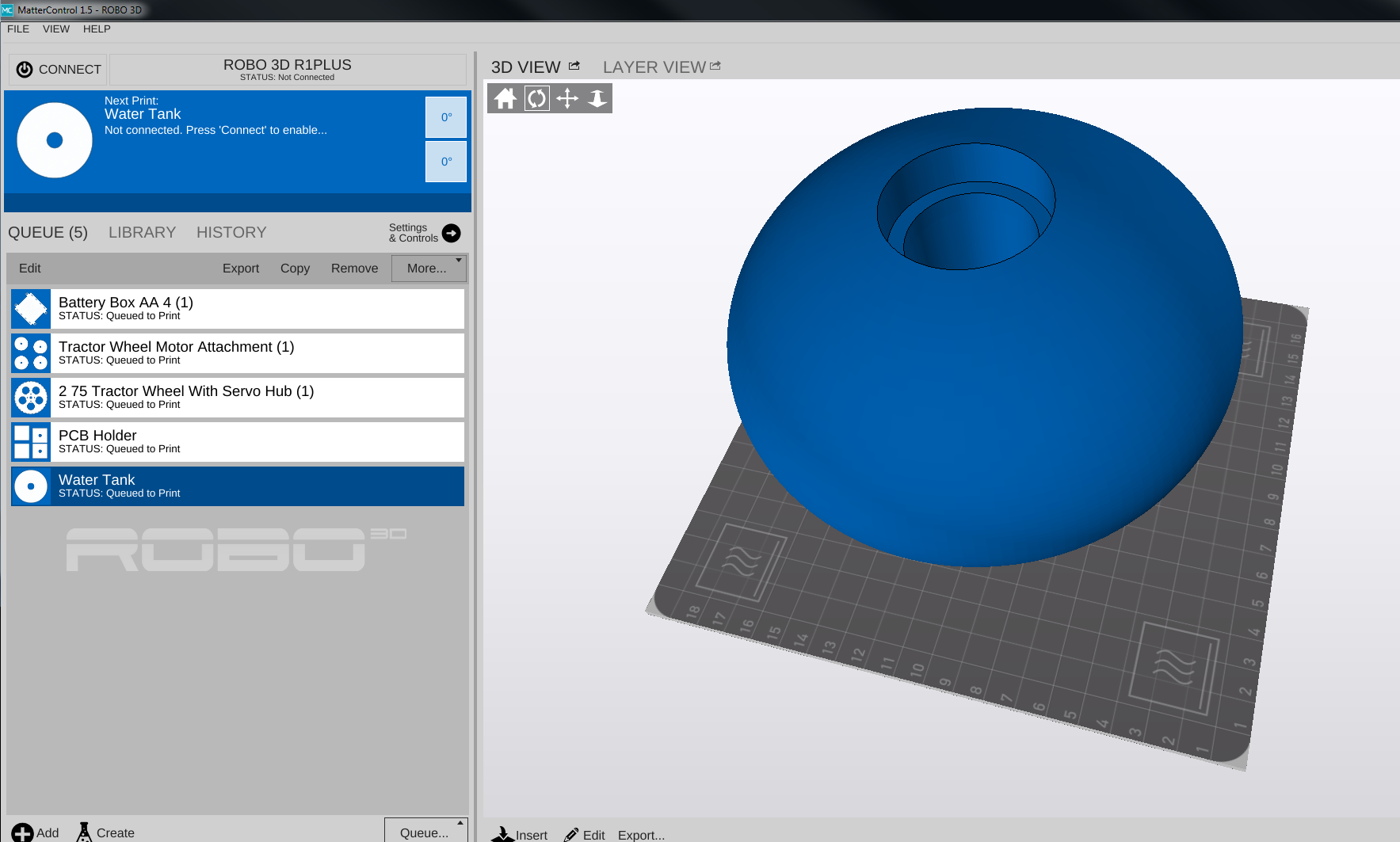
Following the instructions for your 3D printer, load the file that has been created. In my case that is “Water Tank.stl”. As you can see from the screen shot of my printer control software (Photo 17), it takes up just about the whole build plate. It is another very large part.
I will be keeping the lab again at a constant 80°F, with the humidity between 10 and 40%. This is very important because you are going to spend a lot of time and some money printing just the base. It would be good to get it on the first try. I will be using white ABS, 1.75mm from MatterHackers.
Print
This is a large print. Should take about 24 hours to print out.
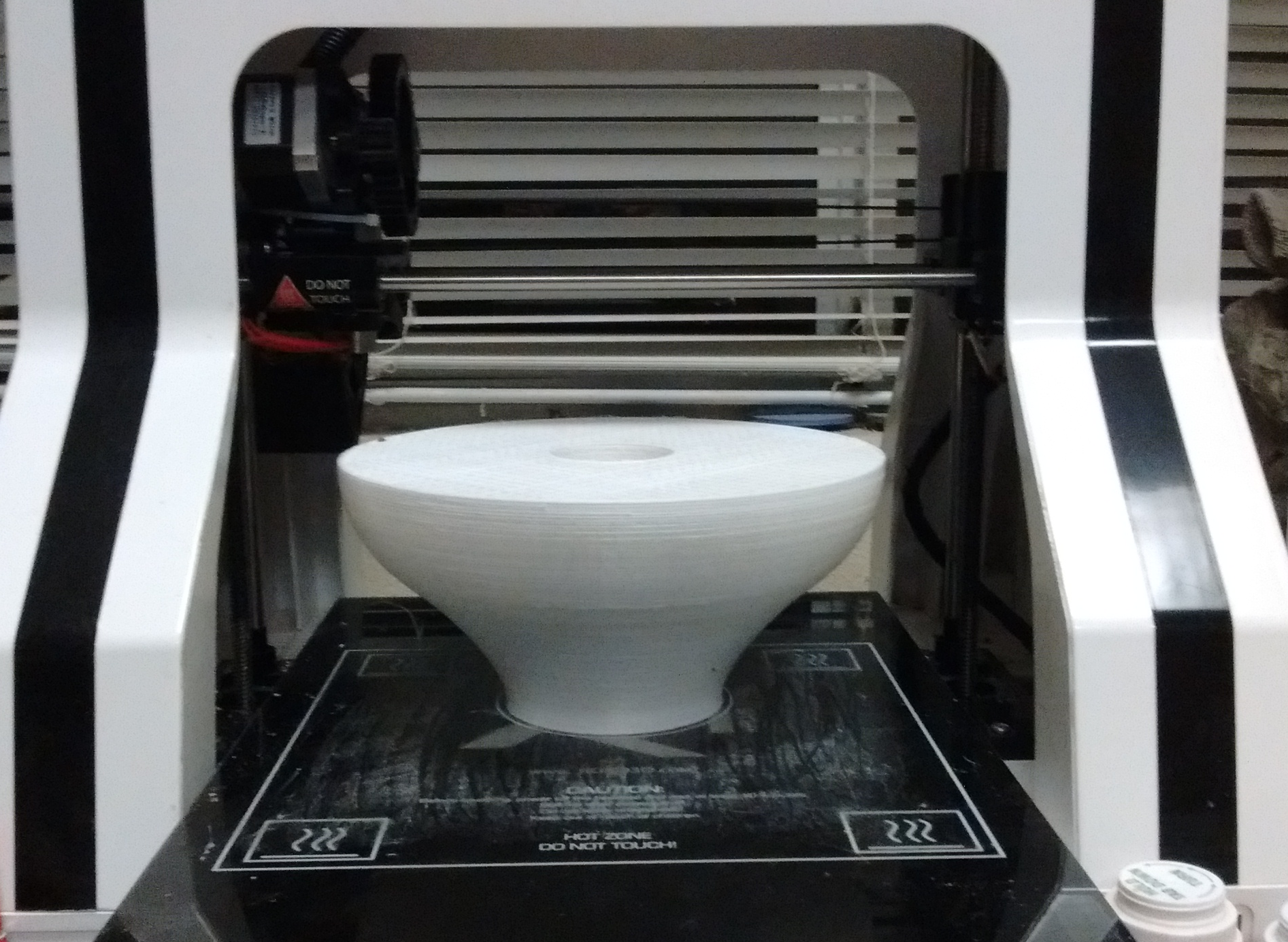
While this is a very large print, it takes many meters of material. I checked my spool of material and thought I had enough, but it turns out I did not. Here is what was printed out (Photo 18). It looks good, except for the missing top.
I need to order more material and start again. This is going to take a while, so look for the completion in the next blog.